

Your takeaway's own
ordering site.
Customers order from you, not from a list of your competitors. Tickets print in your kitchen and customers watch the driver come to the door.
Customers order from you. Tickets print in your kitchen and customers watch the driver to the door.
- Collection and delivery from your own site
- Kitchen tickets printed as orders land
- Driver on the map for the customer
One order, from phone to door
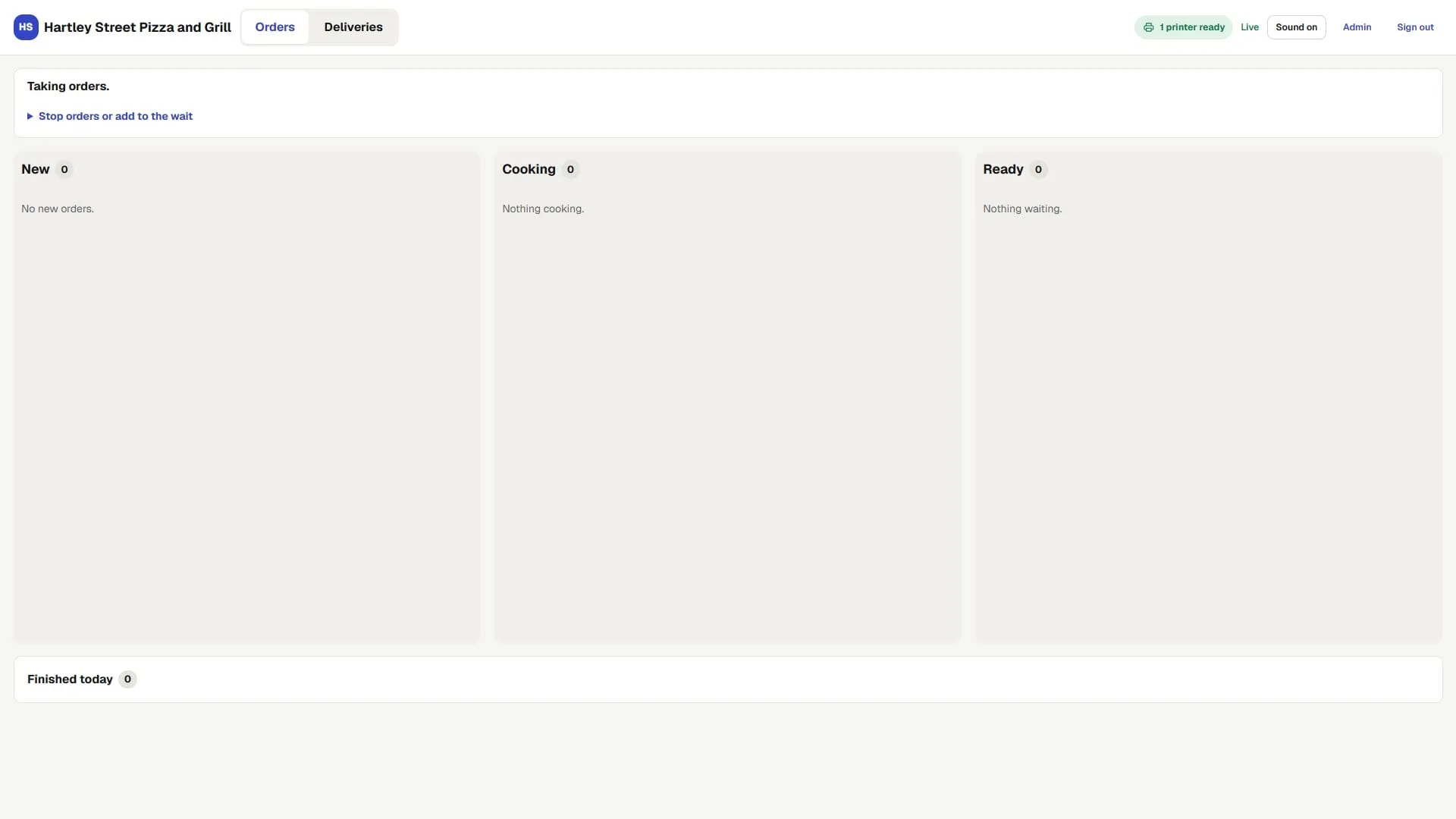
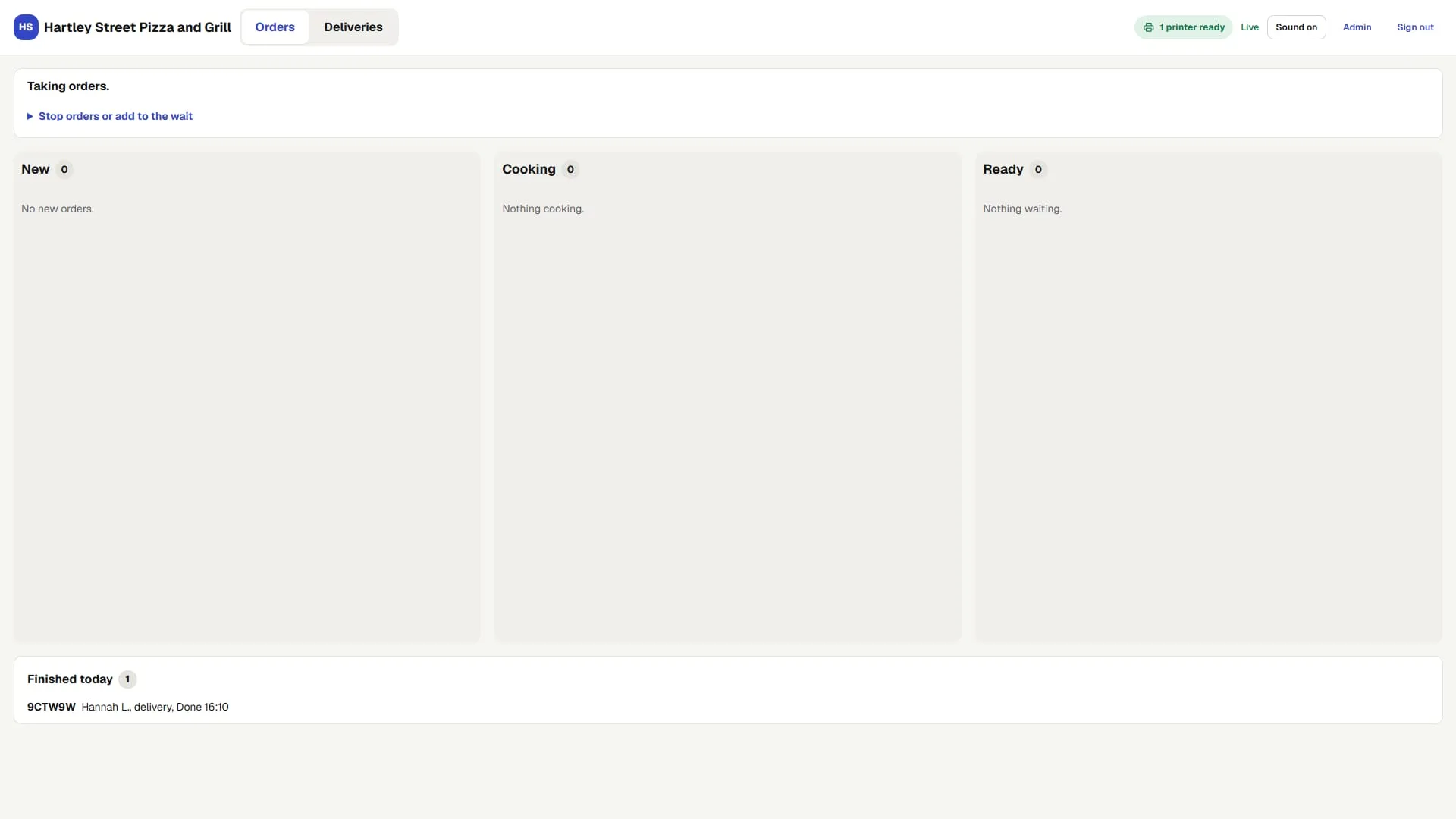
The kitchen screen
19:02
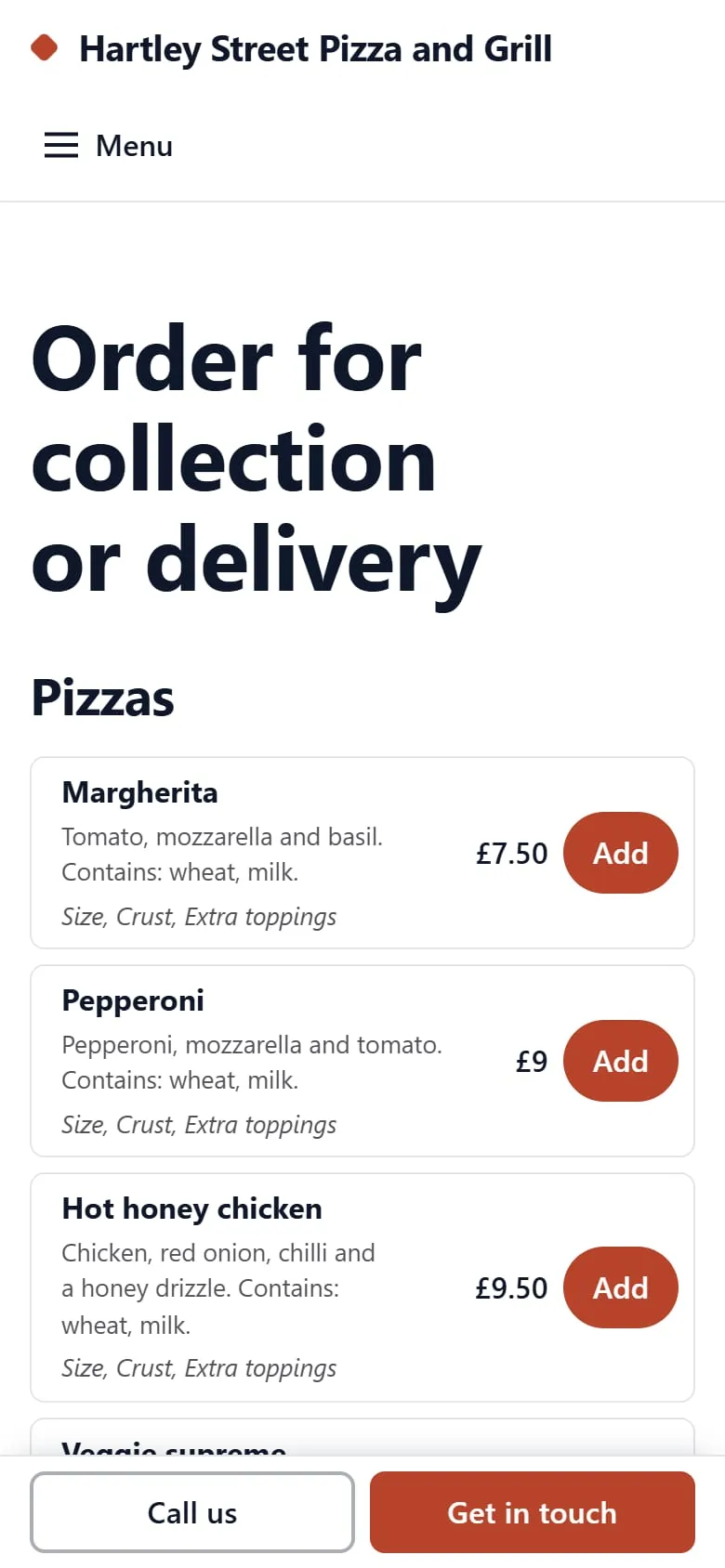
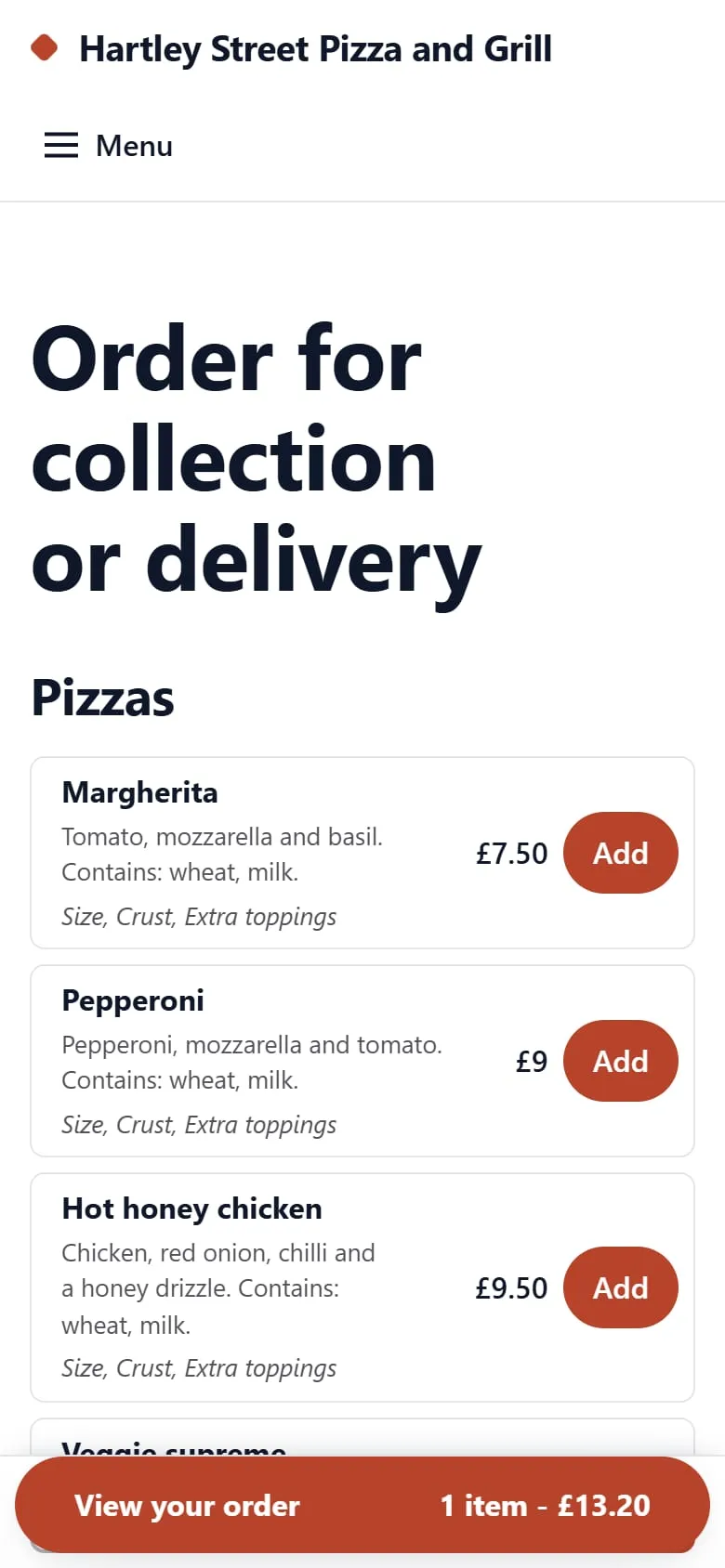
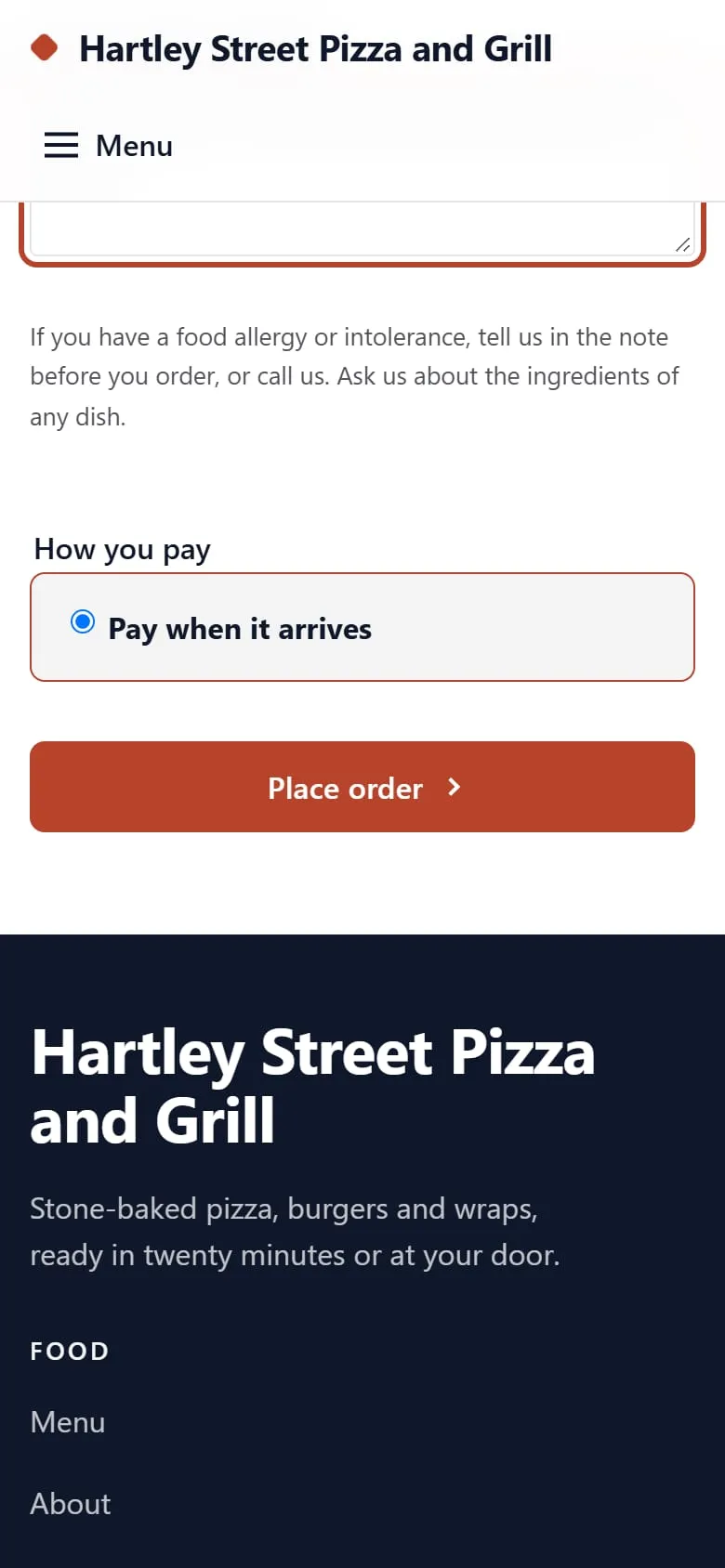
The customer orders
A margherita and a garlic bread, for delivery, with a note about a nut allergy. The customer reaches the paying step.
The kitchen screen
19:02
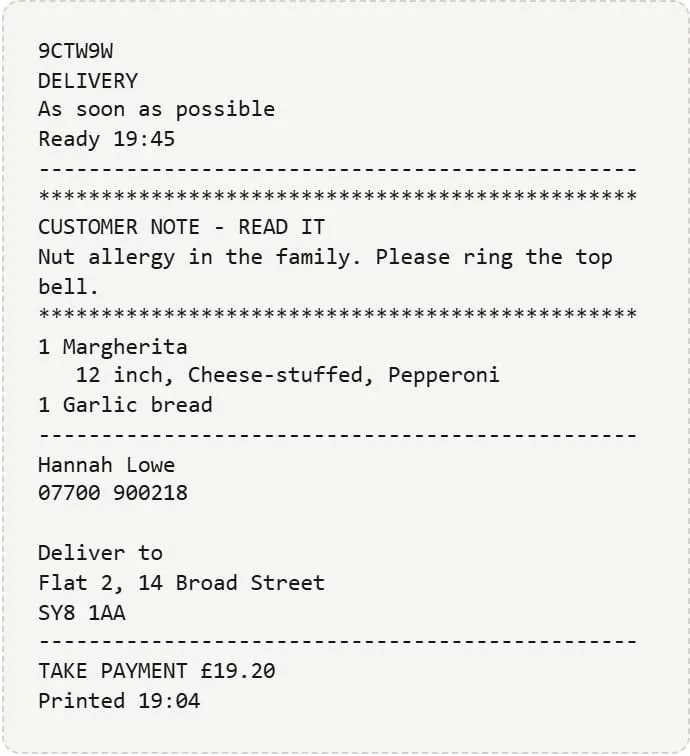
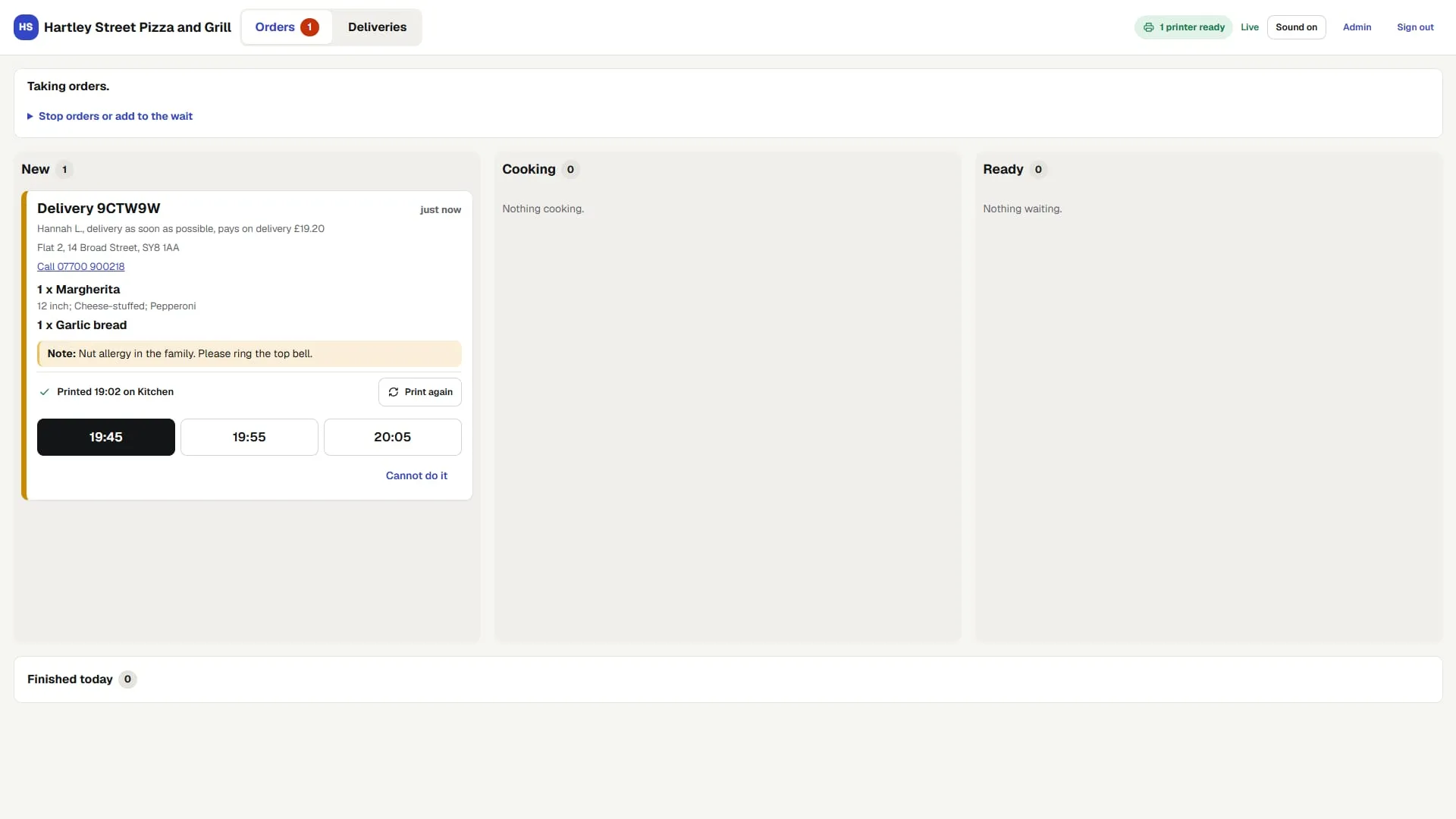
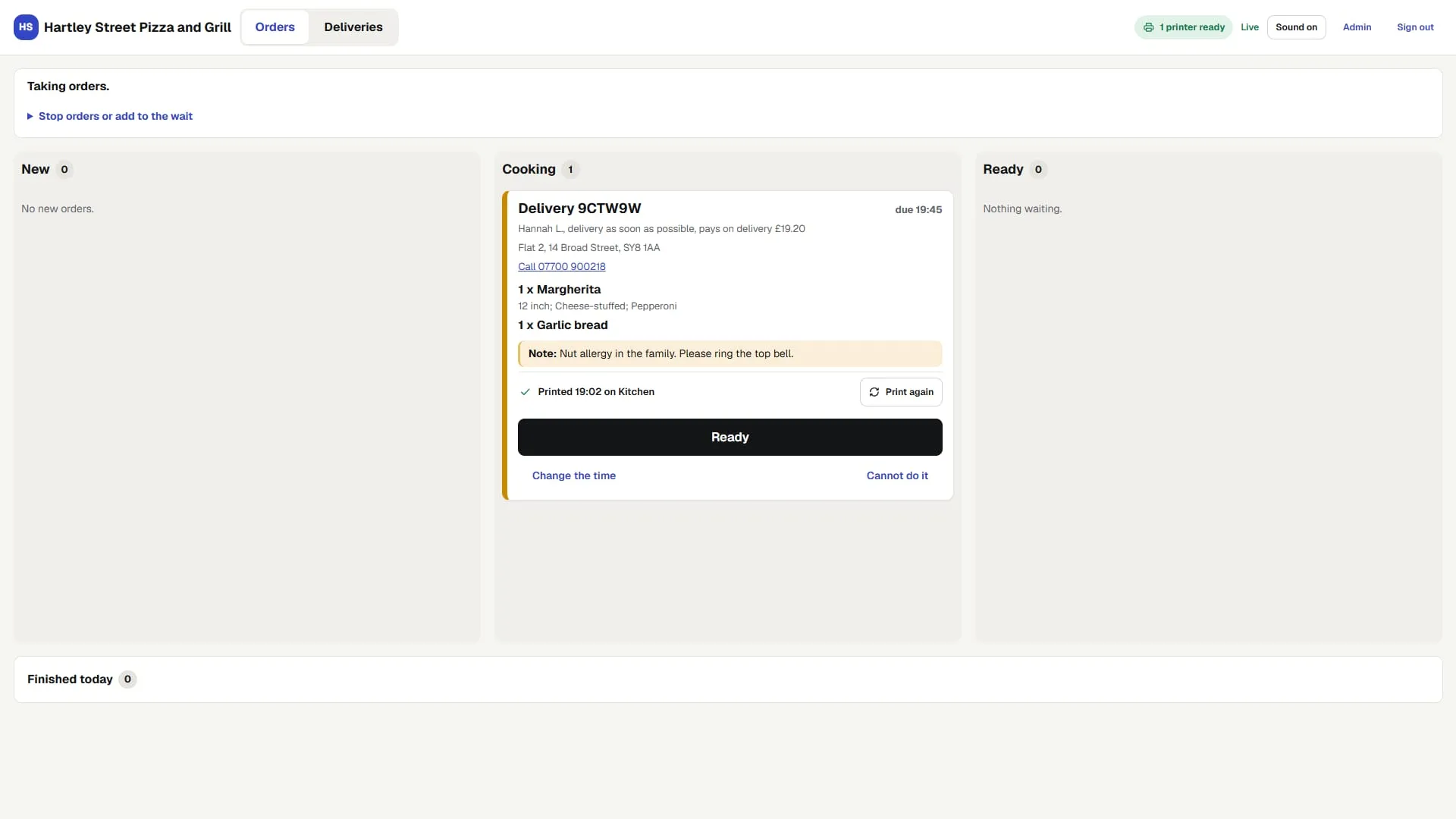
The ticket prints
In the kitchen, with the customer's note at the top.
The kitchen screen
19:04
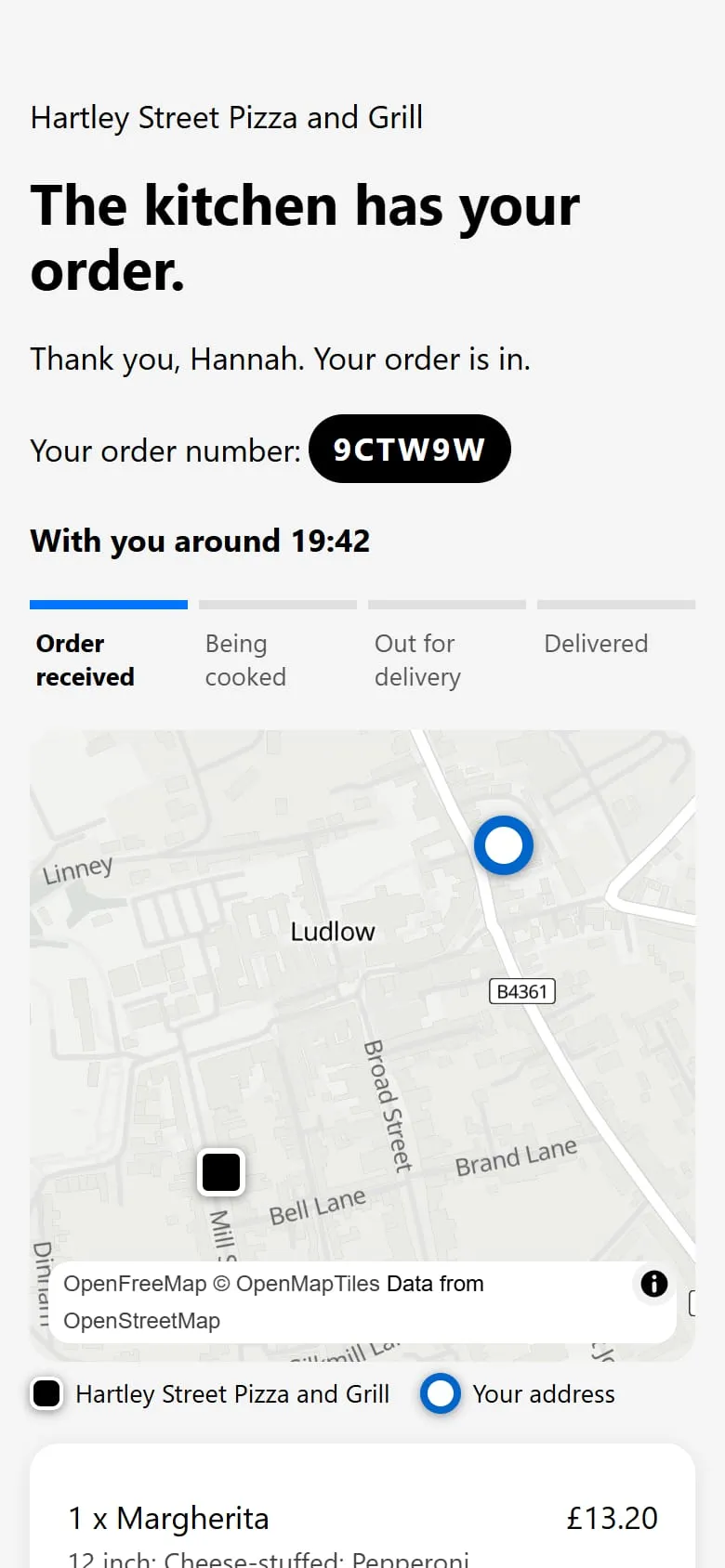
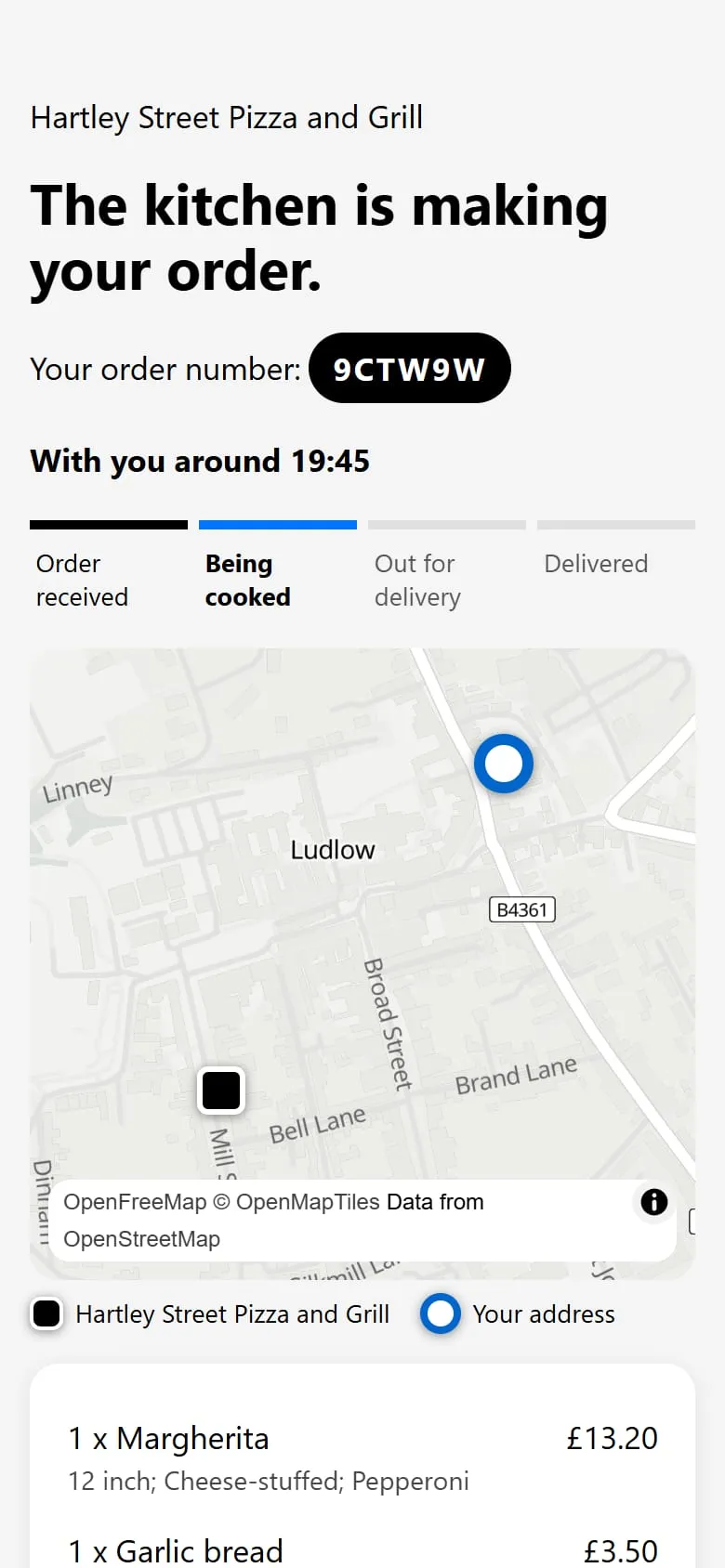
The order is being cooked
The kitchen moves it along; the customer sees it change.
The kitchen screen
19:21
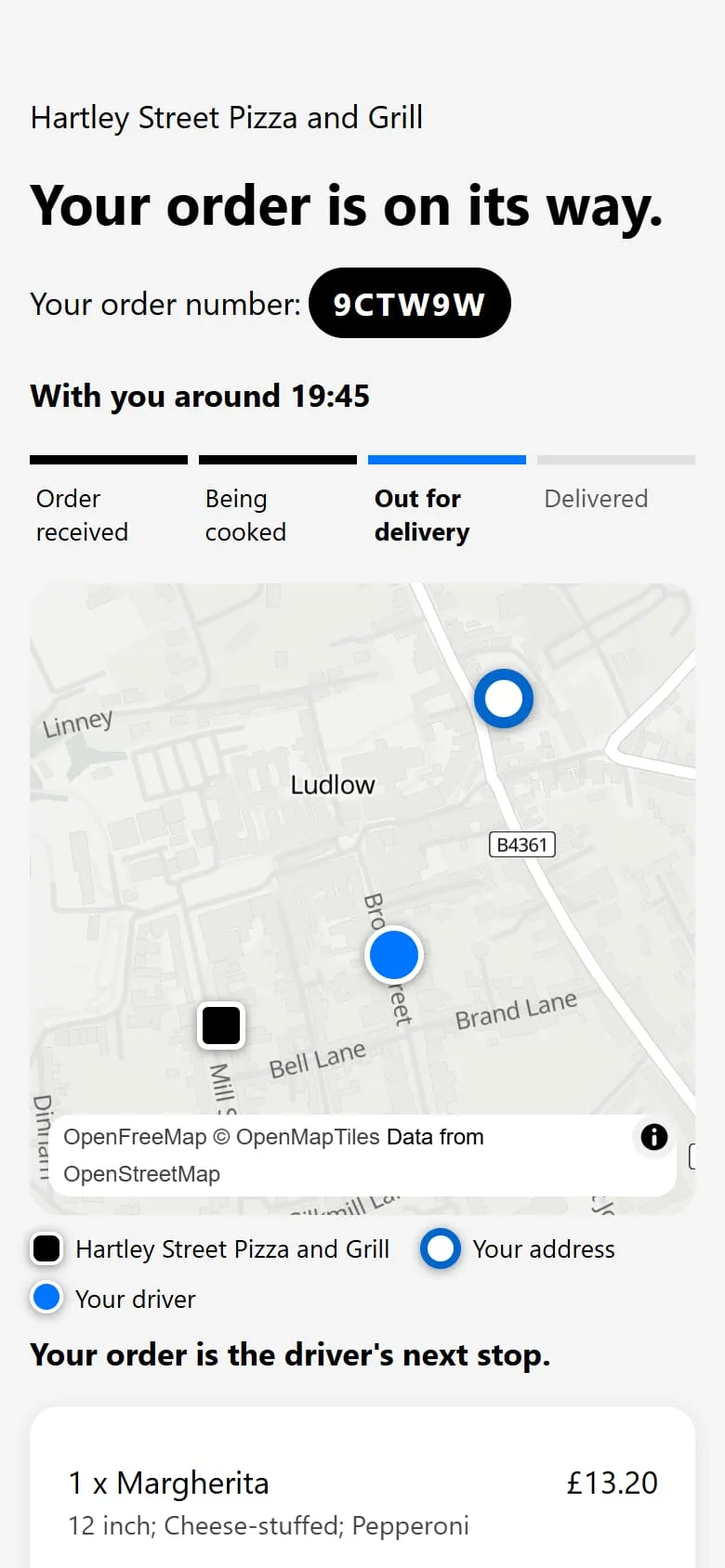
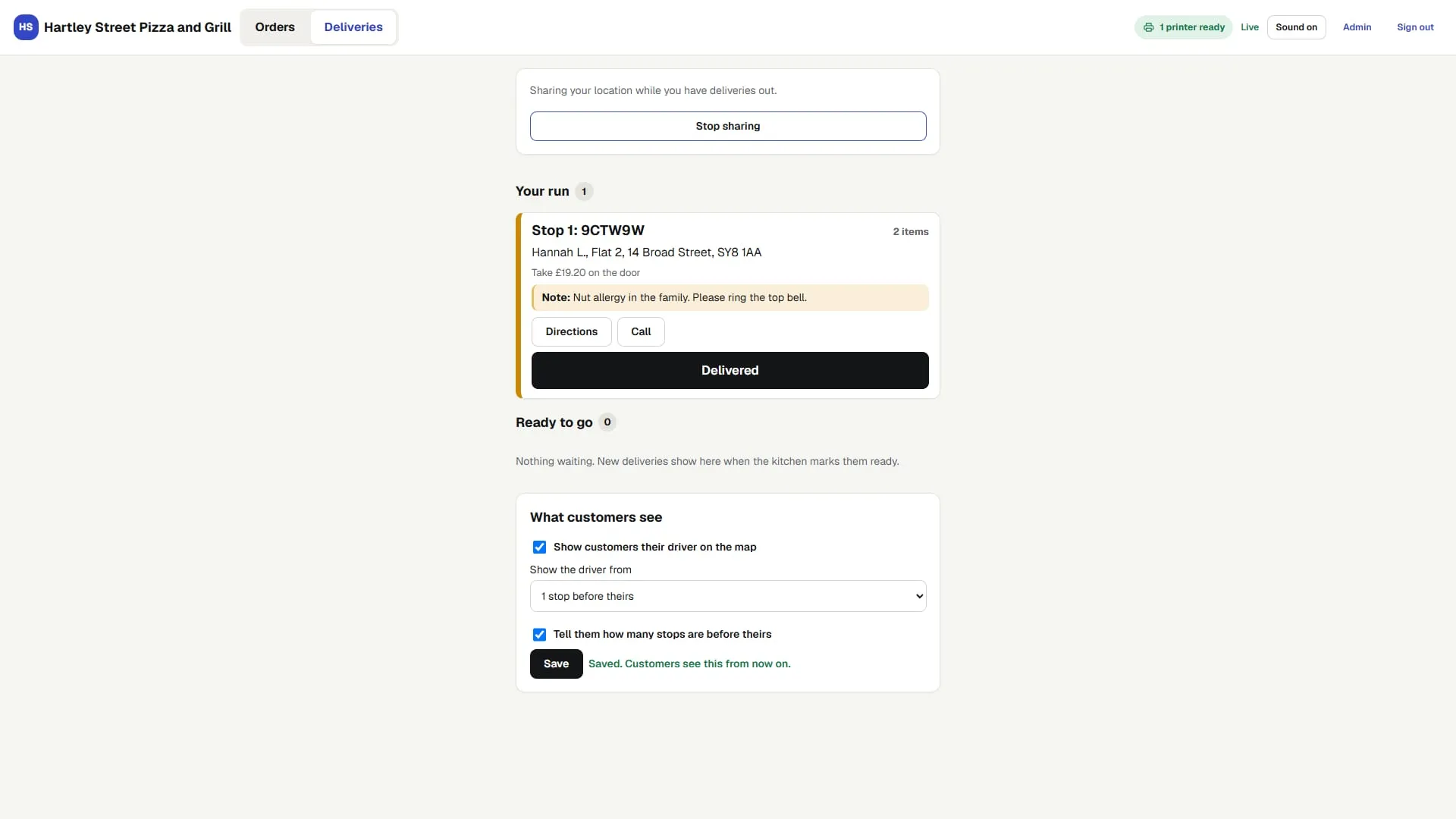
The order is out for delivery
The customer follows the driver on the map.
The kitchen screen
19:38
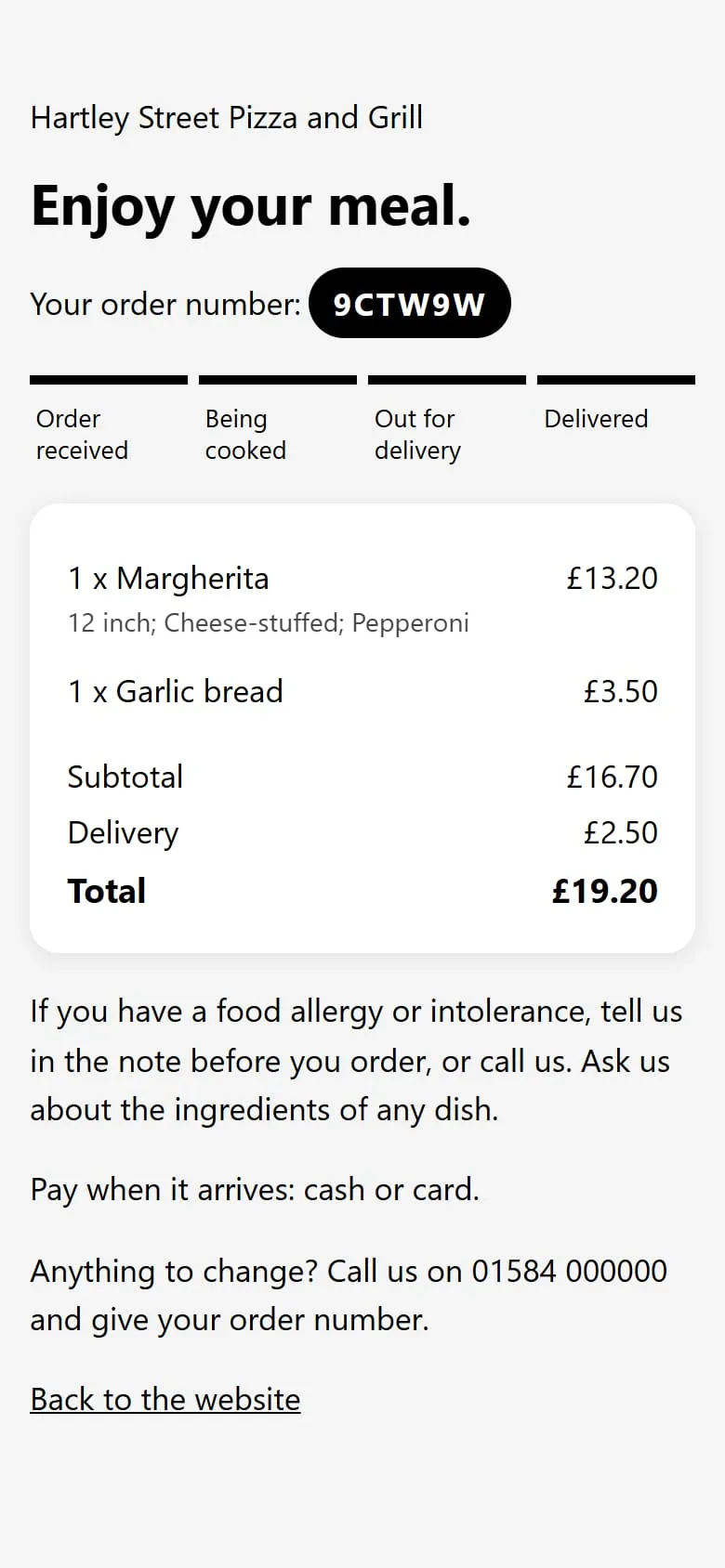
The order is delivered
The customer's page shows it delivered, and so does your kitchen screen.
How your own ordering compares
| OursWith torchdeck | Delivery apps | Ordering systems with a fee per order | |
|---|---|---|---|
A cut of each orderThe rates pages give: apps before VAT, by who delivers; systems on an order or a card payment. Some give none. Read 3 November 2026. | None | 13 to 35 percent where an app publishes a rate | 1 to 5 percent where a system publishes a rate |
Whose customersWhat each provider's terms or privacy notices say about customer details. Read 3 November 2026. | Yours: names, numbers and what they order | Varies by app | Often the restaurant's |
How it looksWhere each provider's pages put your restaurant: in its app, or on your own site. Read 3 November 2026. | Your restaurant, in your name | A listing in the app | Your own branded website |
Who you callWhat each provider's pages list for help. Read 3 November 2026. | The people who built it | A help centre, chat or email | Support from the provider's own team |
A cut of each order
With torchdeck: None
Delivery apps: 13 to 35 percent where an app publishes a rateOrdering systems with a fee per order: 1 to 5 percent where a system publishes a rate
The rates pages give: apps before VAT, by who delivers; systems on an order or a card payment. Some give none. Read 3 November 2026.
Whose customers
With torchdeck: Yours: names, numbers and what they order
Delivery apps: Varies by appOrdering systems with a fee per order: Often the restaurant's
What each provider's terms or privacy notices say about customer details. Read 3 November 2026.
How it looks
With torchdeck: Your restaurant, in your name
Delivery apps: A listing in the appOrdering systems with a fee per order: Your own branded website
Where each provider's pages put your restaurant: in its app, or on your own site. Read 3 November 2026.
Who you call
With torchdeck: The people who built it
Delivery apps: A help centre, chat or emailOrdering systems with a fee per order: Support from the provider's own team
What each provider's pages list for help. Read 3 November 2026.
On an app now? We set yours up alongside it, move your regulars across, and you switch the old one off when its contract allows.
Fees, terms and support: the rate, terms, privacy and help pages that UK delivery apps and ordering systems publish, 6 providers read, November 2026. Percentages are as each page gives them; the apps' are before VAT.
Questions about takeaway ordering
Anything not here, ask on the call: any day, 9am to 8pm UK time.
Do you take a cut of my orders?
No. We take no cut of your orders, and card payments go into your own account.
I am on a delivery app now. Do I have to leave it?
No. We set yours up alongside it, move your regulars across, and you switch the old one off when its contract allows.
Do orders print in my kitchen?
Yes. Each order prints as a ticket in your kitchen, with the customer's note at the top, and moves along the kitchen screen from received to delivered.
Can customers order for delivery and for collection?
Yes, both, from your own site. Customers follow their order on a page that shows each step, from received to delivered.
What happens to my customers' details?
They are yours: names, numbers and what each person ordered. They stay with you, not with an app.
Book a call
30 minutes. We call you at the time you pick.
- How the business runs today
- Where the time goes
- What you pay for now
- What we would build and run, and the price
Or write to hello@torchdeck.com